Get BarkBus on your phone.
Live on the App Store and Google Play — or skip the install and open it straight in your browser. Your first month is free, no card required.
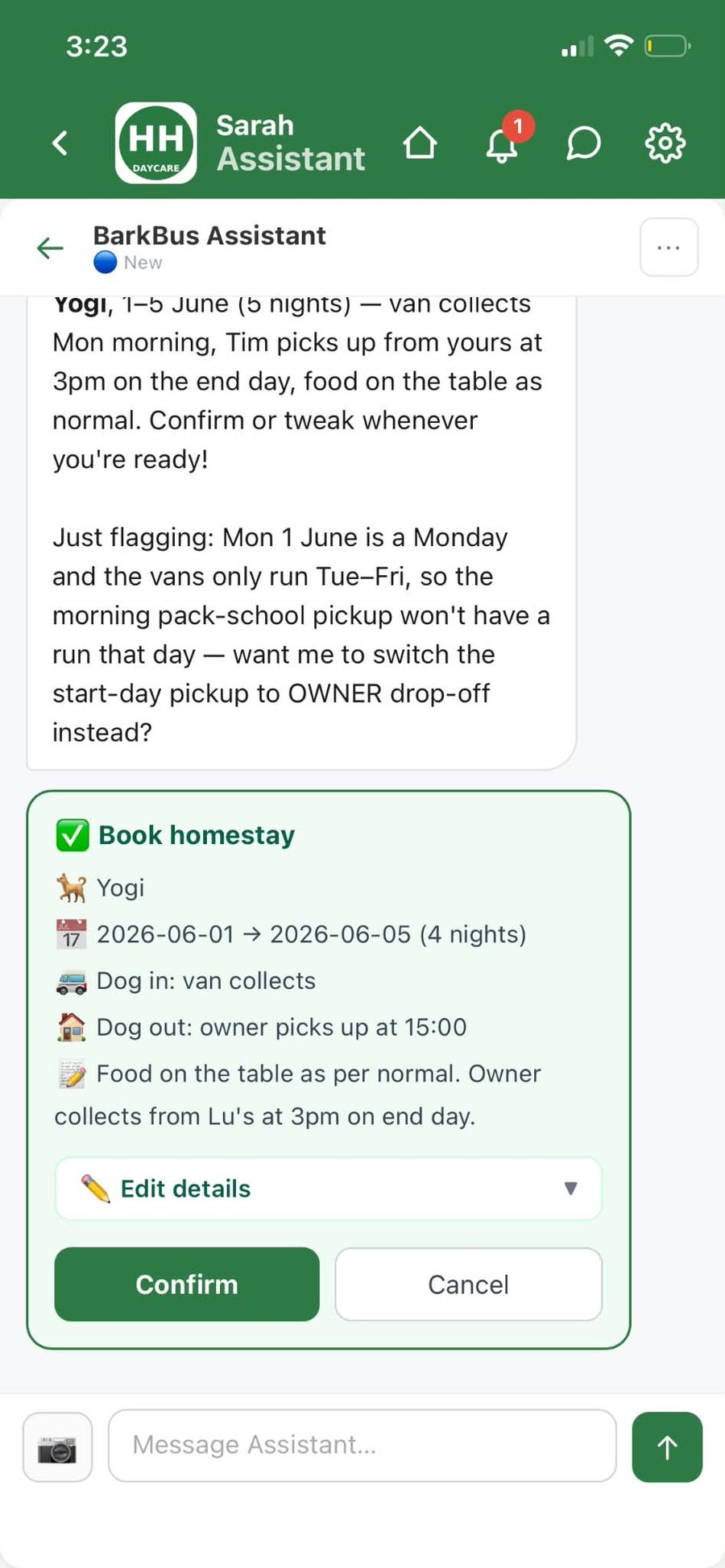
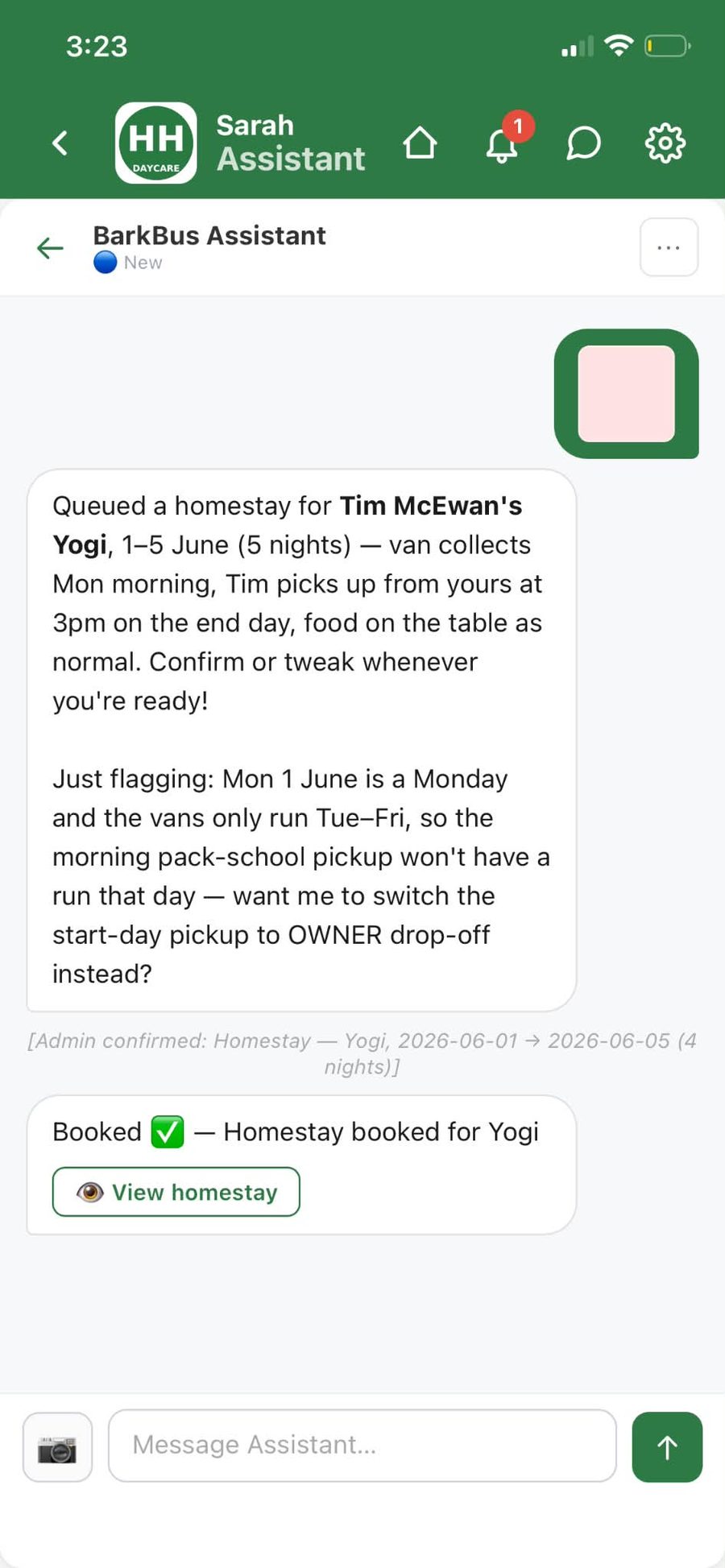
Same account everywhere — sign in on the phone, the laptop, or both. Nothing to configure twice.
iPhone
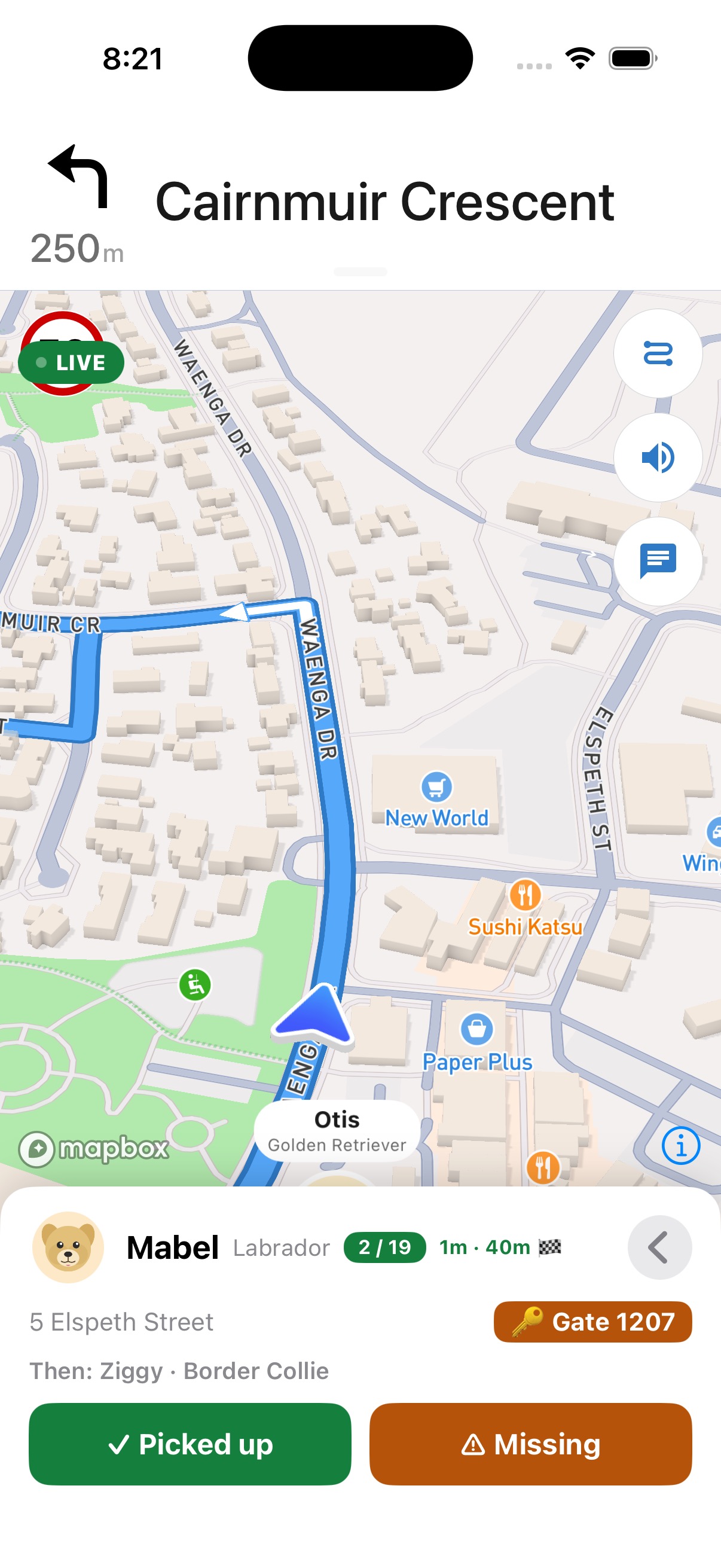
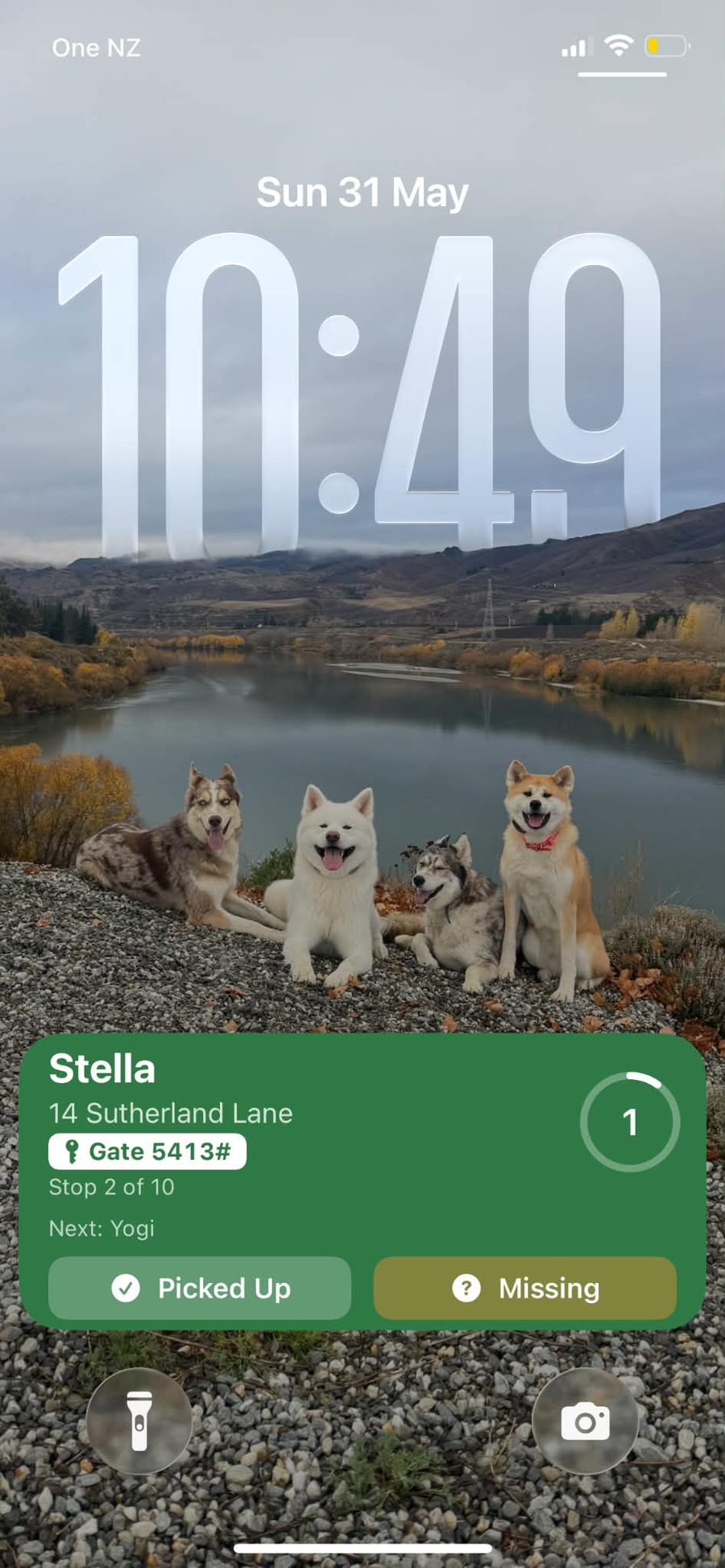
The one to install if you're driving. Live activity and lock-screen buttons mean you mark pickups without unlocking your phone.
Get it on the App StoreAndroid
The full app on Google Play — runs, maps, pickups, owner notifications and billing, same as everywhere else.
Get it on Google PlayWeb app
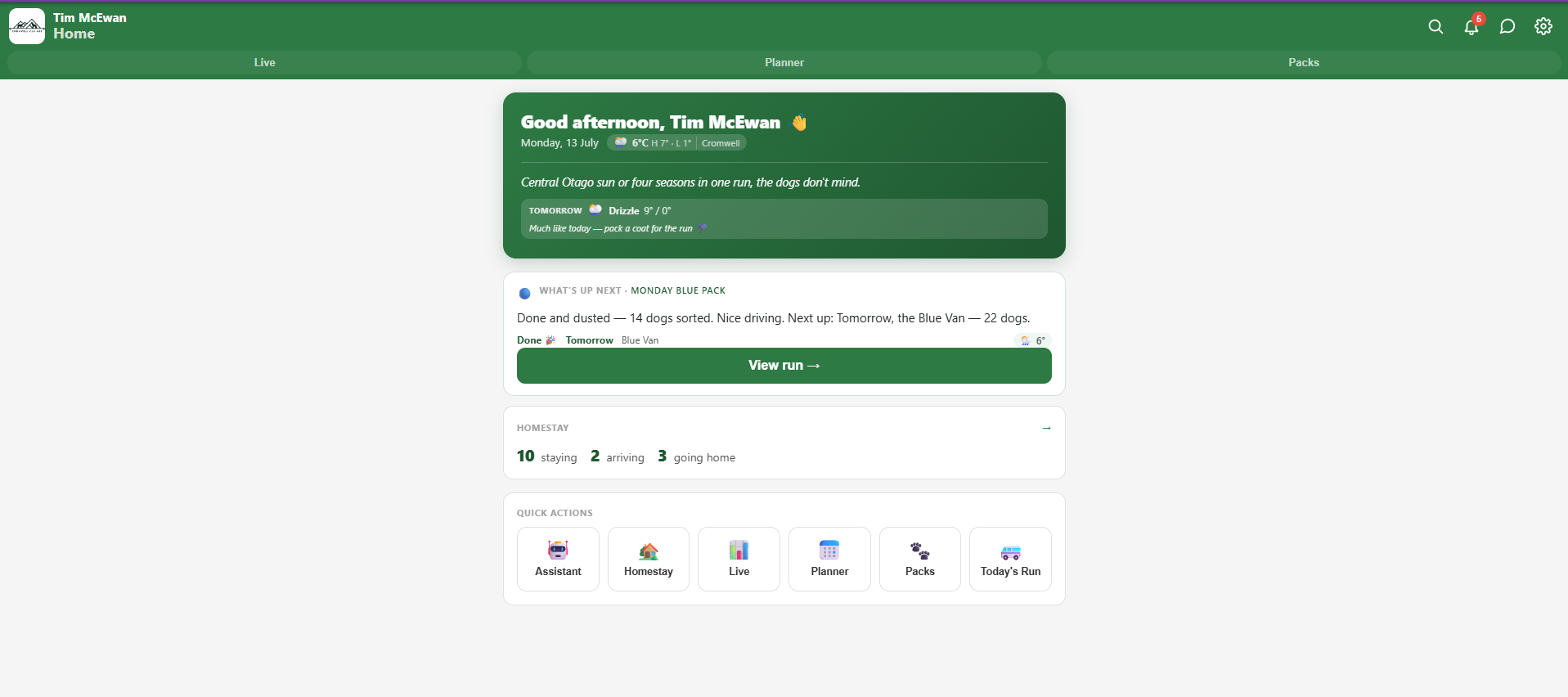
Nothing to install. Best for the desk work — planning the week, editing packs, billing and reports on a big screen.
Open the web appWhat happens after you install it
-
1
Sign up — first month free
No card, no sales call. Create the account on whichever device is closest.
-
2
Paste in your dogs
Paste your existing list or spreadsheet and the AI sets up your dogs, owners and packs.
-
3
Run tomorrow morning
Maps route the run, owners get notified, and the billing reconciles itself afterwards.
Stuck, or want a hand getting your packs in? Message us on Facebook — we read every one.